
%201.webp)
Guide: Creating a CocoaPod using Kotlin Multiplatform Mobile library
June 2, 2023
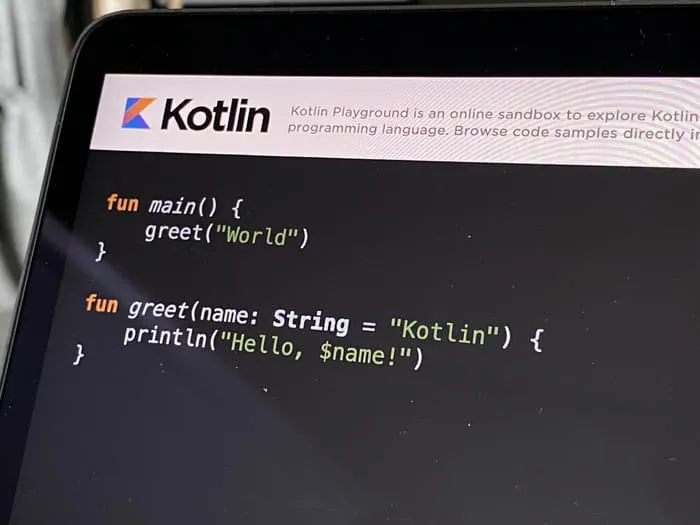
This post is about how we managed to create a usable Android .jar and iOS CocoaPod using Kotlin Multiplatform Mobile, host it in a private repository and making it proper maintainable. At time of writing this, this is not properly supported yet by Kotlin Multiplatform Mobile.
At our company we are working on an app for a client which is native Android and native iOS. The client wanted us to implement an analytics library which will send tags to a dashboard. This way the client can see user flows and user interaction with the app, which can be used to improve user experience.
Now, since we are programmers, we don’t like to do things twice. In this case to have to manage these analytics tags in two places, so instead of going the easy way to make a list of strings in Android and a list of strings in iOS, we spend 3 days figuring out and developing a multiplatform statically typed library.
There is enough documentation about how to code a library, but there is not much documentation about configuring the project properly. That is what this guide is about. Check the Resources on the bottom for documentation on how to start with coding.
Furthermore, this guide assumes you have knowledge about how CocoaPods works and what it consists of. Otherwise you can refer to here.
It is also assumed you have knowledge about the Command Line Interface (CLI) and Git.
I have setup a project as an example for you to have alongside this guide. Feel free to clone and play with it here.
We have two native apps with a requirement to send analytics tags. These tags (which are just strings) should be the same on both platforms. We want to maintain this list in one place efficiently and in a way we can potentially reuse it for different projects. This would also mean, ideally, that we would have statically typed tags instead of magic strings to catch errors on compile time.
To come up with a solution to our problem we first had a little brainstorm session to check our options. We had some requirements to keep in mind:
A colleague immediately mentioned Kotlin Multiplatform Mobile (KMM), but because we had not worked with that within our company we also looked at other solutions. Like, maybe we could import an excel sheet? Maybe we can use phrase.com (which we use to manage localisation) to also include these tags? What about a Flutter plugin?
First we thought of an excel sheet, this would be the simplest way to keep track of the tags in a single place, but this would have to be imported somehow and this would not grant the static typing we longed for, so this is not a solution.
We briefly thought about putting the tags in phrase.com, but that is just a bit silly, since the purpose of the tags is totally different. This would grant the static typing, but the key-value pairs in phrase would look like screenA: "screenA" which is not ideal, so we scratched this idea.
Next, we had a little bit of experience making a mobile app with Flutter so we considered it, but this would mean working in a different language (Dart) which not everyone is familiar with and creating multiplatform libraries is also not really matured in Flutter. This was not an ideal option.
After weighing pros and cons, we decided to go with Kotlin Multiplatform Mobile (surprise surprise). This was heavily influenced by our Android developer and his curiosity in trying KMM, but also because of KMMs ability to generate an iOS CocoaPod using command line. Next to that it is an interesting choice to try a new multiplatform technology, so we went with it.
At the time of writing this, and doing this little project, KMM is still in alpha and documentation is limited. That’s why I hope this post will help other people wanting to do the same. This lack of documentation meant we ran into issues which were not yet addressed.
Basically the idea is to use KMM to have a single codebase where we define appropriate classes and strings for the tags. From this we can create a plugin for Android and a CocoaPod for iOS. Easypeasy, right?
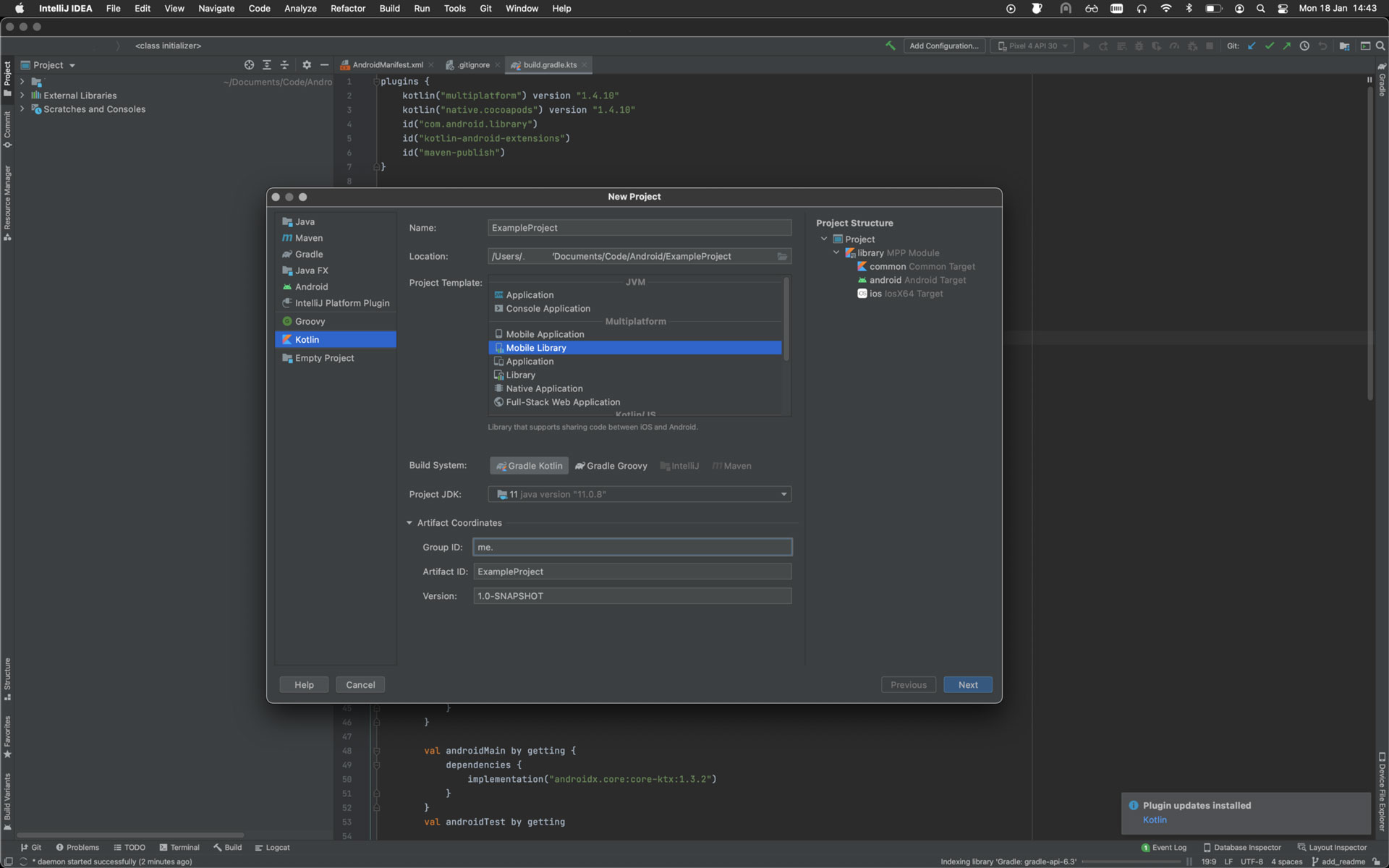
IntelliJ IDEA would be the preferred editor to start a new KMM project with, together with the Kotlin plugin. Here you can find all the explanation to start with a new multiplatform plugin. Just make sure you select Mobile Library when creating a new project.
.webp)